How to Get Google Reviews: 10 Methods That Work (the Right Way)
By EasyReviews TeamLast updated 7 min read
If you are wondering how to get Google reviews without awkward conversations or shady shortcuts, the answer is simpler than most business owners expect: ask every customer, at the right moment, with a direct link that opens the review form in one tap. Many happy customers would gladly leave a review. They just do not think of it on their own, or they give up when finding the right page takes too many steps.
This guide covers the rules you need to follow, 10 methods that work for local businesses in the US, which channel fits your type of business, and a short weekly routine that keeps new reviews coming in month after month.
The rules: what Google and the FTC allow
Before you ask anyone, know where the lines are. Google removes reviews that break its policies, and in 2024 the Federal Trade Commission finalized a rule that bans fake reviews and several deceptive review practices nationwide. A review strategy that breaks these rules can get reviews deleted, your profile flagged, and your business exposed to legal risk.
| Allowed | Not allowed |
|---|---|
| Asking every customer for an honest review | Asking only the customers you think are happy ("review gating") |
| Sending your review link by text, email or QR code | Offering a discount, gift or giveaway entry in exchange for a review |
| Sending one polite reminder | Buying reviews or joining "review exchange" groups |
| Replying to every review, good or bad | Having employees, friends or family review your business |
| Reporting reviews that break Google policy | Pressuring or threatening someone to remove a review |
Step zero: get your Business Profile ready
Reviews attach to your Google Business Profile, so make sure it is in good shape before you start sending people to it. A complete profile also reassures customers who land on it to write their review.
- Verify the profile. You need a verified profile to reply to reviews and manage them.
- Check the basics: business name (no keyword stuffing), primary category, hours, phone number and website.
- Add real photos of your storefront, team and work so customers recognize the business they are reviewing.
- Test your review link on your own phone before sending it to anyone.
How to get Google reviews: 10 methods that work
1. Get your direct review link and use it everywhere
Your review link opens the "rate and review" window directly, which removes the biggest source of friction. You can copy it from your Business Profile in Google Search ("Ask for reviews") or build it from your Place ID. We walk through both options in our Google review QR code guide.
2. Ask in person, at the peak moment
The best time to ask is right after the customer says something positive: "This looks great," "Thanks, that was fast." A short, sincere ask works better than a script read word for word. See our examples of how to ask for Google reviews for phrasing that does not feel pushy.
3. Send a text message after the visit
A text with your link, sent the same day, reaches customers when the experience is still fresh and the link is one tap away. In the US, get the customer's consent to receive texts (for example, a checkbox when they book), include your business name, offer a way to opt out ("Reply STOP to opt out"), and avoid texting before 8 a.m. or after 9 p.m. in their time zone. This is general information, not legal advice: check the TCPA and your state's rules with a professional.
4. Follow up by email
Email works well for appointment-based and online businesses, where you already send a confirmation or invoice. Keep it short, put the link in a button near the top, and send it within a day or two of the service.
5. Put a QR code where customers wait or pay
A QR code on the counter, a table tent or the waiting room wall lets customers leave a review on the spot with their phone camera. Print it large enough to scan from where people actually stand, and add a short line of text explaining what it does.
6. Add the link to receipts, invoices and your website
Every document a customer receives after paying is a chance to ask. Add a one-line request with the link (or the QR code) to printed receipts, PDF invoices, your email signature and your website's "thank you" or contact page.
7. Make asking part of your team's routine
Reviews stall when asking depends on one person remembering. Decide who asks, at what moment and through which channel, and write it into your checkout or job-completion checklist. Never tie reviews to staff bonuses tied to star ratings: that pushes employees toward gating or pressure.
8. Reply to every review
Replies show future customers that someone reads the reviews and cares, which makes them more likely to leave one too. Thank positive reviewers by name and handle critical ones calmly. Our guide on how to respond to Google reviews has examples for every star rating.
9. Show customers how it works
Some customers have never written a Google review and quietly give up. Add one line to your request: "Tap the link, pick the stars, add a sentence about your visit, and tap Post." Customers usually need to be signed in to a Google account to post.
10. Send one reminder, not five
If a customer did not respond, one friendly reminder a few days later is reasonable. More than that starts to feel like pressure and can generate exactly the kind of review you were hoping to avoid.
Which method works best for your type of business
The right moment and channel depend on how your customers interact with you. Use this table as a starting point, then adjust based on what you see in your own results.
| Business | Best moment to ask | Best channel |
|---|---|---|
| Restaurant or café | When the check arrives or at pickup | QR code on table tents or receipts; email for online orders |
| Dental or medical practice | At checkout, right after the appointment | Same-day text, with no health details in the message |
| Plumber, HVAC or electrician | When the job is done and the customer has seen the fix | Text sent before the truck leaves the driveway |
| Hair or nail salon | While the customer is admiring the result | In-person ask plus a QR code at the front desk |
| Auto repair shop | At pickup, after explaining the work done | Text the same evening |
| Real estate agent | At closing or key handover | Personal text or email |
A 15-minute weekly review routine
Consistency beats bursts. A steady flow of recent reviews looks more trustworthy to customers than a spike followed by months of silence, and it is far easier to sustain.
- 1
List last week's customers
Pull the names and numbers of everyone you served who has not been asked yet.
- 2
Send your requests
Send each one a short text or email with your review link. Ask everyone, not just the customers who seemed happiest.
- 3
Reply to every new review
Thank, address concerns, and invite unhappy customers to continue the conversation offline.
- 4
Check your numbers
Note your review count and average rating in a simple spreadsheet each month to see whether the routine is working.
- 5
Share the wins
Read a great review to your team. It reinforces the habit of asking.
What to do when a negative review comes in
Every business that asks for reviews will eventually get a critical one. Do not panic and do not argue publicly. Reply calmly, acknowledge the issue, and offer a way to make it right. If the review is fake, off-topic or abusive, you can report it: our guide on how to remove a Google review explains what Google will and will not take down.
The best long-term protection is volume. One negative review among hundreds of honest, recent ones barely moves your rating and gives readers context.
How EasyReviews helps
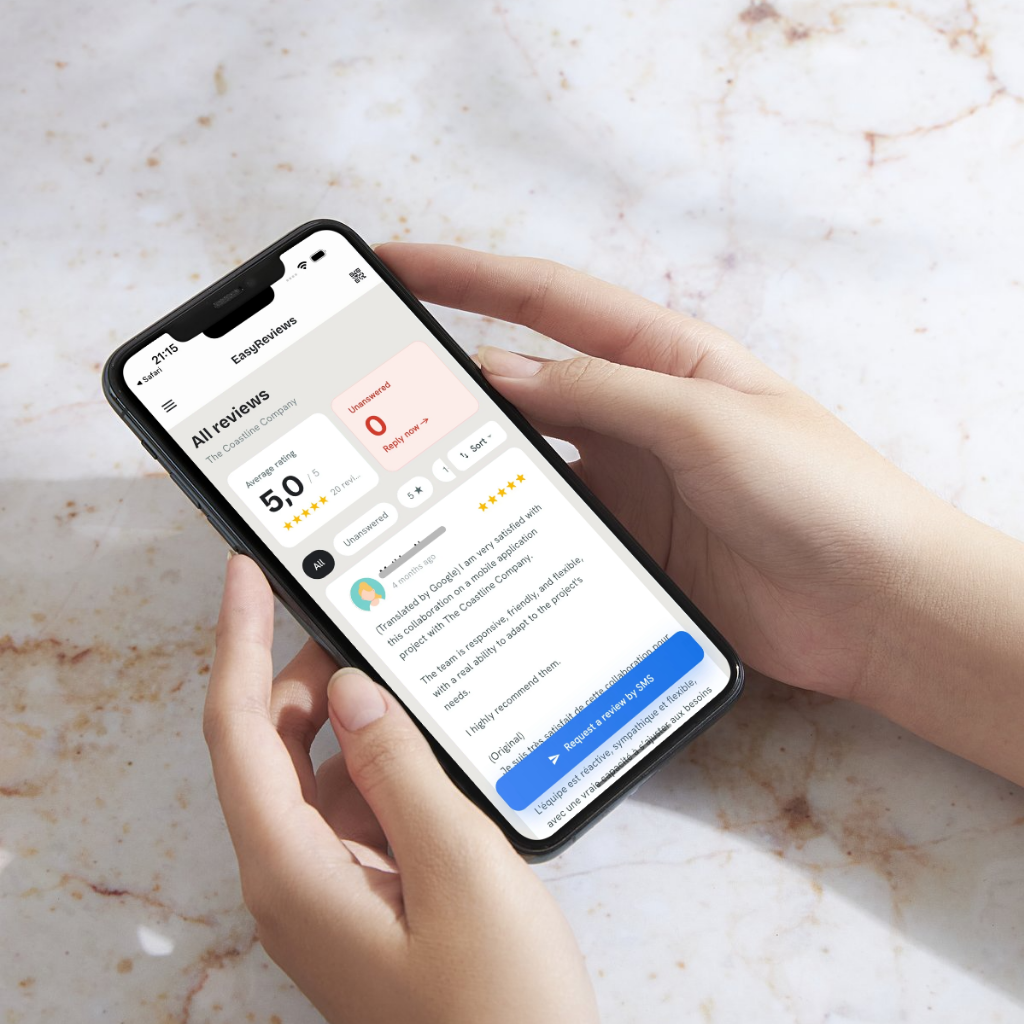
EasyReviews turns these methods into a few taps on your phone:
- Text review requests with your direct Google link, sent from an EasyReviews number so your personal number stays private.
- A review QR code ready to download and print for your counter, cards or invoices.
- AI-drafted replies to every review, which you read, edit and approve before anything is posted.
It works with Google Business Profile on web, iOS and Android, and you can manage several locations from one dashboard. See plans and pricing.
Try EasyReviews free
7 SMS review requests and 7 AI-drafted replies, no credit card required.
Get started freeFrequently asked questions
How do I get Google reviews fast?
Ask every recent customer at once with a short text or email containing your direct review link, then keep asking new customers every week. There is no safe shortcut: bought or incentivized reviews can be removed by Google and are banned by the FTC.
Can I pay for Google reviews or offer a discount for them?
No. Google prohibits offering money, discounts, gifts or other incentives in exchange for reviews, and the FTC rule on fake reviews bans buying them. You can ask for honest reviews, but you cannot reward them.
How do I get a link for customers to leave a Google review?
Search for your business on Google while signed in to the account that manages your Business Profile, open the profile panel and choose "Ask for reviews" to copy your link. You can also build one from your Place ID.
Is it OK to ask customers for Google reviews?
Yes. Google allows businesses to ask customers for reviews as long as you ask everyone, do not offer incentives, and do not pressure anyone. Asking only customers you expect to be happy is not allowed.
Why is a customer's Google review not showing up?
Google runs automated checks on new reviews and may hold or remove ones that look suspicious, for example several reviews posted from the same place at the same time. Some reviews also take a while to appear. Avoid asking customers to post reviews on a shared device at your location.