How to Respond to Google Reviews: Examples for Every Star Rating
By EasyReviews TeamLast updated 6 min read
Learning how to respond to Google reviews is one of the cheapest reputation wins available to a local business. Every reply is public: the reviewer reads it, and so does every future customer scrolling through your profile while deciding whether to call you or the competitor down the street.
This guide covers where to reply, a four-step framework that works for any review, copy-paste examples for every star rating (including fake reviews and healthcare), and the mistakes that turn a 1-star review into a bigger problem.
Where to reply to a Google review
- 1
Sign in with the right account
Use the Google account that owns or manages your Business Profile. You need a verified profile to reply.
- 2
Open your reviews
Search for your business name on Google (or open the Google Maps app) and select the reviews section of your profile.
- 3
Reply
Choose Reply under the review, write your response and post it. You can edit or delete your reply later.
Your reply appears under the review as a response from the owner. Google may notify the reviewer that you replied, and it can hold back replies that break its content policies, so keep them clean and professional.
How to respond to Google reviews: a 4-step framework
Whatever the rating, a good reply follows the same structure. Two to five sentences is usually enough.
- 1
Thank them, by name
Every reviewer took time to write. Start by thanking them, using their first name if it is shown.
- 2
Be specific
Mention something from their review, like the dish, the technician or the problem you solved, so the reply cannot be mistaken for a template.
- 3
Reinforce or address
For praise, reinforce what they liked. For criticism, acknowledge it without excuses and explain what you are doing about it.
- 4
Close with a next step
Invite them back, or give a direct contact to resolve the issue offline. Sign with your name and role.
Examples: replying to positive reviews
Positive reviews deserve replies too. A short, specific thank-you rewards the customer and shows readers that real people run the business.
Thank you, Maria! We're so glad the new water heater has you back to hot showers, and I'll pass your kind words on to Jake. If anything comes up, you know where to find us. — Tom, owner
Thank you for the 5 stars, David! We really appreciate you taking the time. See you next visit. — The {Business} team
Thanks for the review, Priya, and for the honest note about the wait time on Saturday. We've added a second stylist on weekend mornings to fix that. Glad you loved the cut, and we hope to see you again soon! — Lauren, manager
Examples: replying to negative and tricky reviews
Do not reply while you are angry. Draft the response, step away, then reread it as if you were a potential customer. Acknowledge the experience even if you disagree with the details, and move the conversation offline.
Thank you for the feedback, Chris. We're glad the food hit the spot, and we're sorry the order took longer than it should have on a busy night. We're reworking how we handle takeout at peak times. We'd love the chance to give you a faster experience next time. — Sam, general manager
Hi Karen, I'm sorry. Missing the appointment window and not calling ahead isn't the service we aim for, and I understand your frustration. I'd like to make this right: please call me directly at {Phone} or email {Email}. — Mike, owner
We're sorry to see this rating and would like to understand what went wrong. Please reach out at {Phone} or {Email} so we can talk. — The {Business} team
We take all feedback seriously, but we can't find any record of a visit matching this description. If we've missed something, please contact us at {Phone} so we can look into it. — {Business}
Thank you for letting us know, James. We're sorry your visit fell short. We've reviewed what happened internally and we'd like to hear more directly: please call me at {Phone}. — Ana, owner
For a review you believe is fake, reply briefly as above (readers see that you responded calmly) and report it to Google. Our guide on how to remove a Google review explains which reviews qualify and how to file a report.
What not to do when replying
| Don't | Do instead |
|---|---|
| Argue about the facts in public | Acknowledge the experience and take details offline |
| Share customer details (dates, orders, health information) | Keep the reply general |
| Offer a refund in exchange for changing or deleting the review | Fix the problem without conditions; it can look like paying for a better review |
| Paste the same reply under every review | Mention something specific each time |
| Stuff keywords like "best dentist in Dallas" | Write naturally, the way you would talk to the customer |
| Reply in the heat of the moment | Draft, wait, reread, then post |
How fast to reply, and whether to reply to every review
Reply as soon as you reasonably can; within a day or two is a practical goal for a small business. Speed matters most for negative reviews, where a quick, calm response limits the damage and shows readers the issue was taken seriously.
Yes, reply to every review, including short positive ones and ratings without text. A profile where every review has a thoughtful response signals an engaged owner. If you have a backlog, start with the most recent and the most negative, then work back.
Replies cannot make a bad review disappear, but new reviews put it in context. Keep asking every customer, using the methods in our guides on how to get Google reviews and how to ask for Google reviews.
Using AI to draft replies, safely
AI tools can save a lot of time, especially if you have many locations or a backlog. Use them as a first draft, not an autopilot:
- Read every draft before it is posted, and fix anything that is not accurate.
- Never let negative reviews be answered automatically.
- Remove any personal or sensitive information the draft repeats from the review.
- Adjust the tone so it sounds like you, and vary the wording from one reply to the next.
How EasyReviews helps
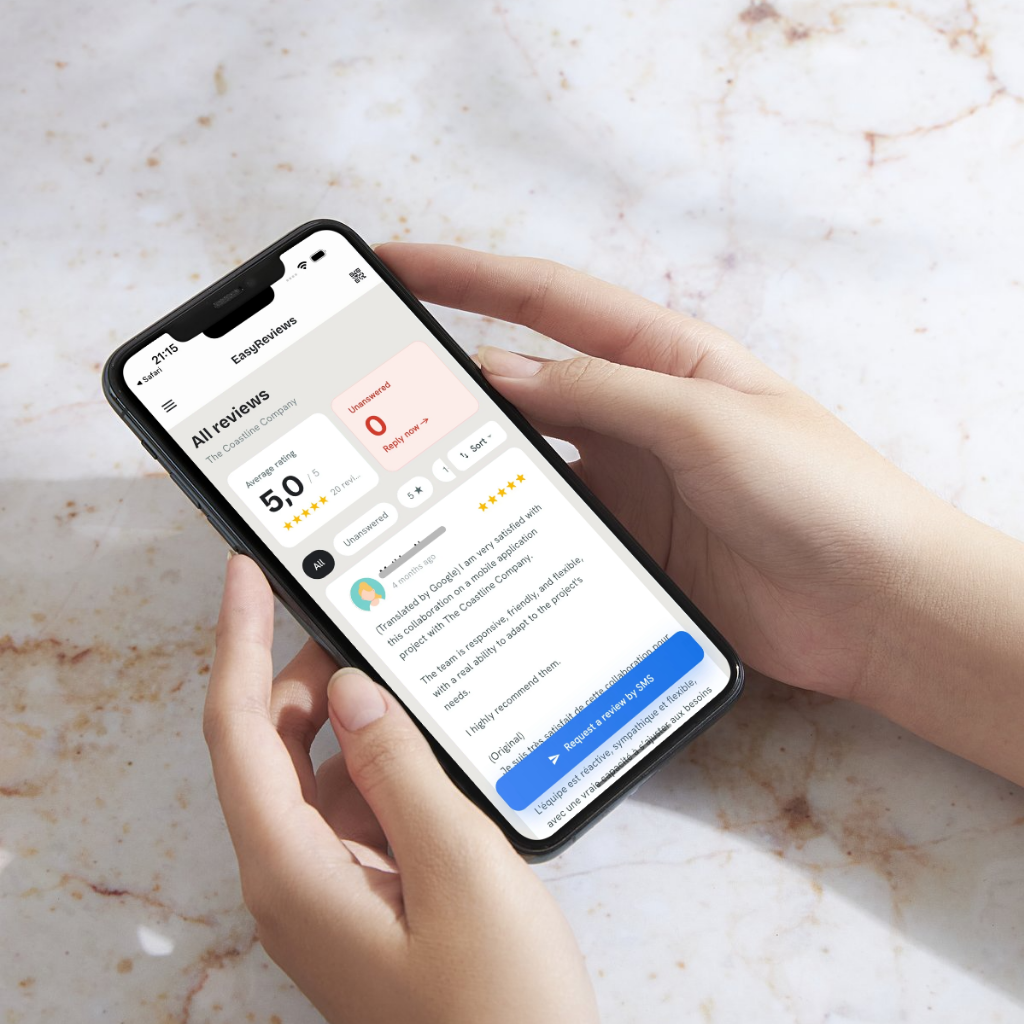
EasyReviews notifies you of each new review and drafts a reply tailored to it in seconds. You read it, edit it if needed, and approve it in one tap: nothing is posted without you. All your locations sit in one dashboard, on web, iOS and Android. See plans and pricing.
Try EasyReviews free
7 SMS review requests and 7 AI-drafted replies, no credit card required.
Get started freeFrequently asked questions
Should you respond to every Google review?
Yes. Replying to every review, positive, negative or rating-only, shows future customers that the business listens. If you have a backlog, start with the most recent and the most negative reviews.
How do you respond to a negative Google review?
Stay calm, thank the reviewer, acknowledge their experience without making excuses, explain what you are doing about it if relevant, and give a direct phone number or email to continue the conversation offline. Keep it short and never argue in public.
Does responding to Google reviews help local SEO?
Google has not said that replies are a ranking factor. It does say that review count and rating factor into local ranking, and that responding shows customers you value their feedback, which can encourage more reviews.
Can I edit or delete my reply to a Google review?
Yes. From your Business Profile reviews, open the reply you posted and choose to edit or delete it. The reviewer and other readers will see the updated version.
How do I respond to a fake Google review?
Reply briefly and politely, saying you cannot find a record of the visit and inviting the person to contact you. Then report the review to Google for violating its policies. Do not accuse the reviewer or reveal any customer information.