How to Reply to Google Reviews Effectively: Complete Guide 2026
Why Responding to Google Reviews Is Essential but Time-Consuming
Responding to Google reviews is a practice recommended by Google itself, but few businesses do it systematically and effectively.
Not responding to a negative review leaves the last word with the dissatisfied client and can deter many prospects from reaching out.
Writing personalized, professional responses tailored to each type of review takes time that many professionals simply don't have.
A poor response to a negative review — defensive, aggressive, or clumsy — can worsen the situation and further damage your image.
Reviews without responses signal to potential clients that you're not attentive to feedback, which hurts your credibility.
How to Respond to Google Reviews Professionally
For positive reviews: sincerely thank the reviewer, mention a specific element from their shared experience, and invite them to return.
For negative reviews: acknowledge the issue without being defensive, apologize, and offer a solution or invite the client to contact you directly.
Adopt a tone consistent with your brand image: warm and personal for a local craftsperson, more formal for a professional practice.
Respond within 24 to 48 hours: the speed of your response is itself a positive signal to readers.
Avoid generic copy-paste responses: every reply should feel personalized even if it follows a template.
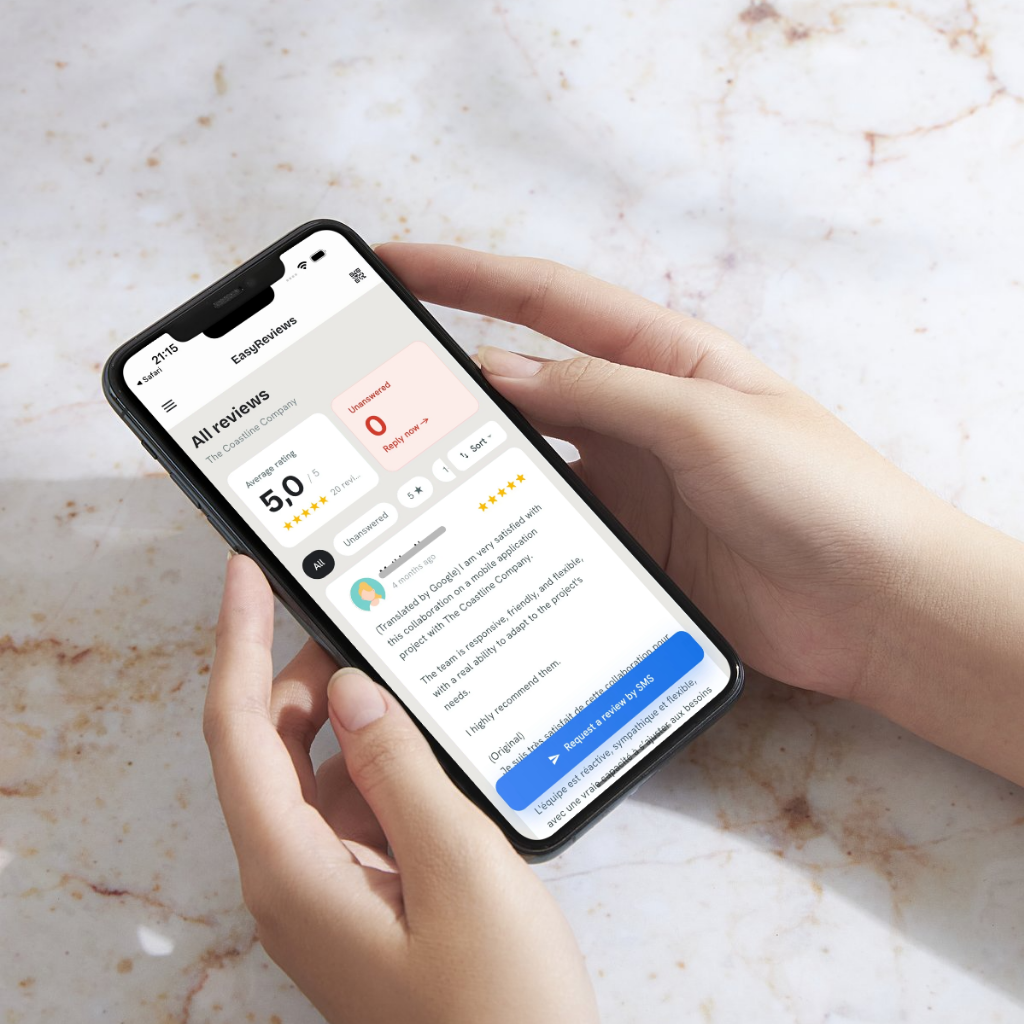
EasyReviews Automates Your Google Review Responses
Personalized AI Responses in Seconds
EasyReviews analyzes the content of each review and automatically generates an appropriate response in your business's tone, for both positive and negative reviews.
Real-Time Alerts
Be notified the moment a new review is posted on your Google listing, so you never go more than 24 hours without a response.
Customizable Response Templates
Access a library of response templates for different types of reviews and industries, adaptable to your own style.
Centralized Multi-Location Management
Manage reviews and responses for all your locations from a single interface, without juggling multiple Google Business accounts.